
Today’s canary rings rely on real employees to test patches.
Rollouts move one ring at a time and can take weeks. When something breaks, it disrupts their work, and your business.
About 15 days to patchEvery change creates a ripple. Now the ripples never stop.
Change now arrives at machine speed: more to validate, and less time to prove it’s safe.
Change is almost free to produce
AI made updates faster and cheaper to create, and they all land on IT.
Validation still moves by hand
People clicking through apps. Change boards meeting weekly. Pilot users finding the failures.
Remediation SLAs are shrinking
15 days → 1 hour
Where remediation SLAs are heading.
AI made change cheaper.
It didn’t make trust cheaper.
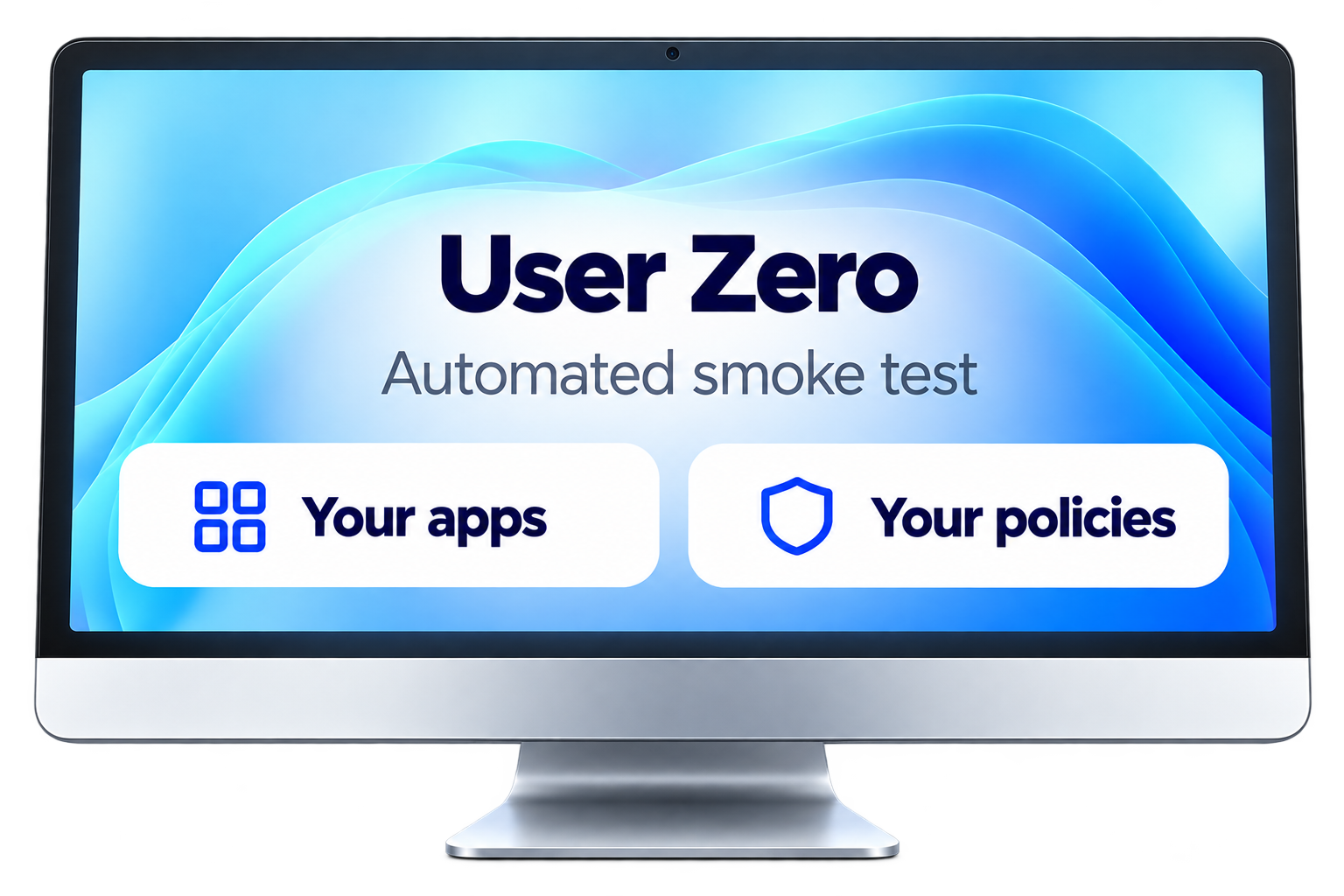
Meet User Zero.
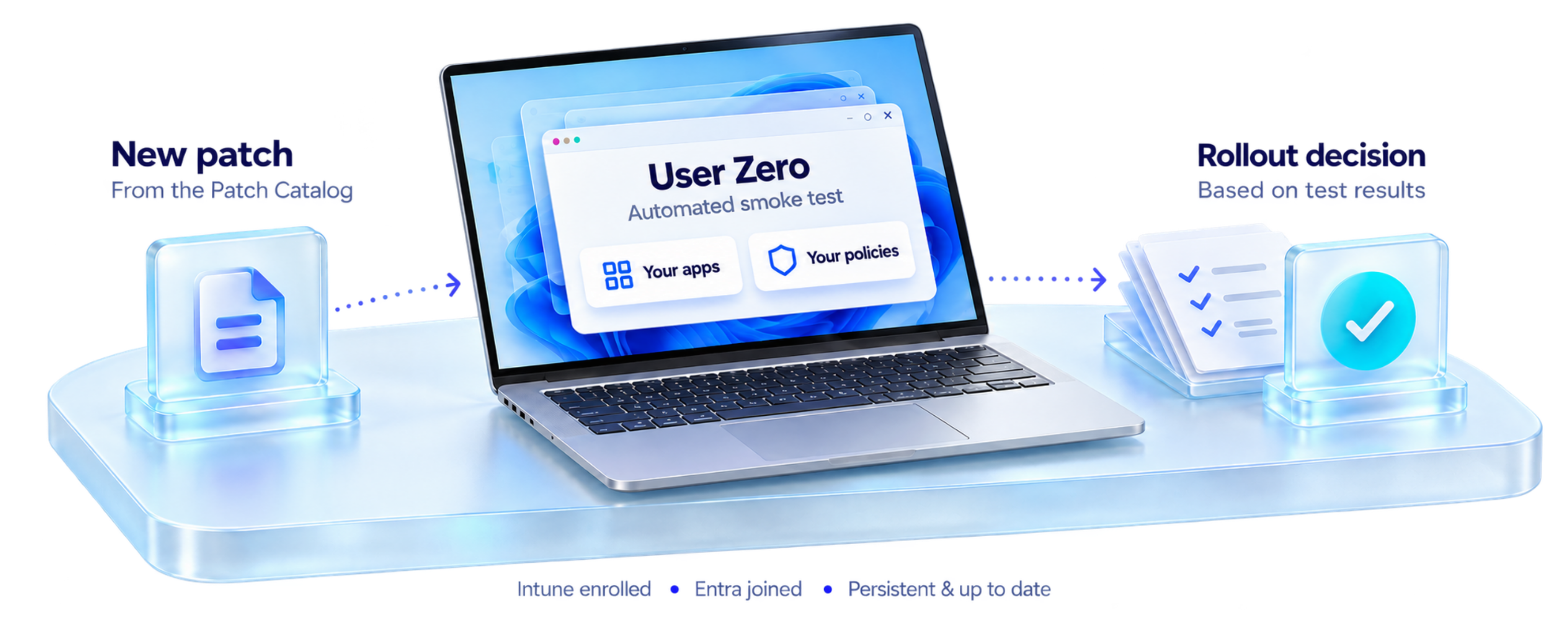
A real Windows 365 Cloud PC, set up exactly like an employee’s. Every patch hits it first.

Requires: Intune · Patch Catalog · Windows 365
15days
With Ring ZERO, patching drops from about 15 days to 1 hour, reducing risk by about 95%.
No testing
Risk is HIGH
Clean-lab smoke test
Reduces risk by about 50%
Ring ZERO testing
Reduces risk by about 95%
What Ring ZERO does that other approaches don’t.
Most patching tools publish fast and let pilot users find the problems. Lab testing runs in clean, temporary environments. Ring ZERO tests where your users actually work.
| Pilot rings only | Clean-lab testing | Ring ZERO | |
|---|---|---|---|
| Tests before any employee gets the update | ✕ | ✓ | ✓ |
| Runs on a persistent, policy-managed Cloud PC | ✕ | ✕ | ✓ |
| Tests with your assigned Intune policies and apps | ✓ | ✕ | ✓ |
| Catalog detection, packaging and smoke testing automated | ✕ | ✕ | ✓ |
| Results feed the rollout decision and publish to Intune | ✕ | ✕ | ✓ |
From catalog update to confident rollout.
See the full workflow in under a minute.
Identify
Detect application updates from the WorkspaceDNA Patch Catalog.
Package
Prepare the application update for deployment.
Validate
Run install, launch and uninstall smoke tests on the dedicated Cloud PC.
Review and publish
Use the results to decide, then publish the update to Intune.
Repeat
Subscribe to future patches to automate the recurring workflow.
Three things to get started.
Microsoft Intune
Manage the target environment and receive published application updates.
WorkspaceDNA Patch Catalog
A subscription that supplies the application updates used in the workflow.
A Windows 365 Cloud PC
Entra joined, Intune enrolled, and assigned the policies and apps relevant to your testing.
What the validation covers: can the update install, can the app launch, and can it uninstall in your configured Cloud PC. Results apply to the version and configuration tested; use them alongside your deployment controls.
See Ring ZERO in action, on your schedule.
Watch a short recorded demo first. When you’re ready, book time with our team to see it in your own environment.
See Ring ZERO in your environment.
Start with the applications you patch regularly and a Cloud PC configured for the users you support. See how automated validation helps your team find problems earlier and publish updates with greater confidence.
Know before you deploy.