Skip to content

RING AI BY WORKSPACEDNA

Validate change before rollout. Ring AI on Windows 365 for Agents.

AI agents test supported applications, builds, policies, and business workflows on secure, managed Cloud PCs.

Review what passed, what failed, and the evidence behind your next rollout decision.

Built for: Endpoint teams Application owners Digital workplace leaders

Book a demo

Validation powered by ATP360.

RING AI + WINDOWS 365 FOR AGENTS00:40
One connected workflow. Four clear ideas.
  1. 01 What it is
  2. 02 How it works
  3. 03 The integration
  4. 04 Value & control

Ring AI: the 40-second overview

Download the 40-second overview

01 / HOW IT WORKS

Microsoft provides the environment. WorkspaceDNA provides the validation.

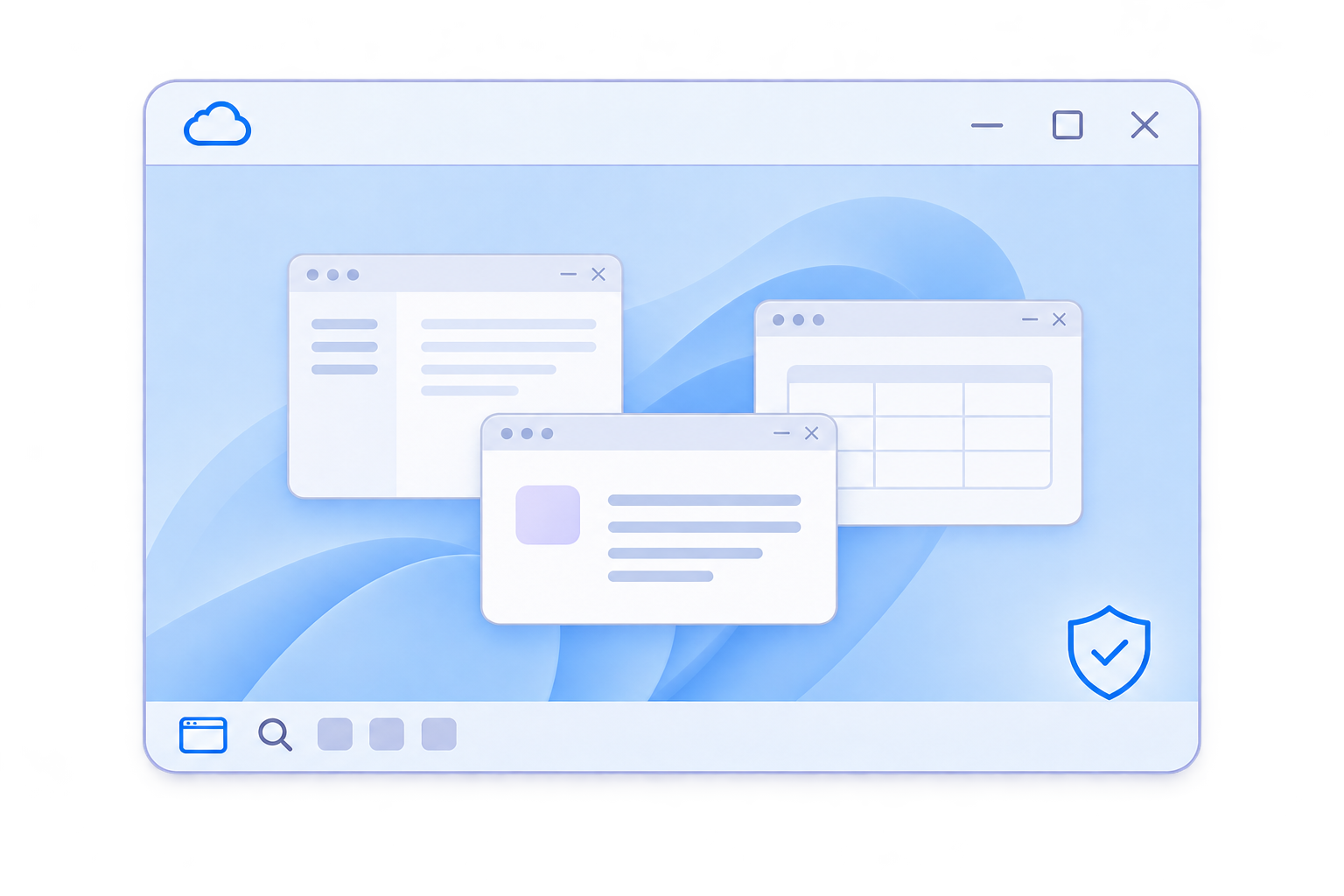
Managed Cloud PC desktop with several application windows and a security shield.

MICROSOFT

Windows 365 for Agents

Managed execution environment

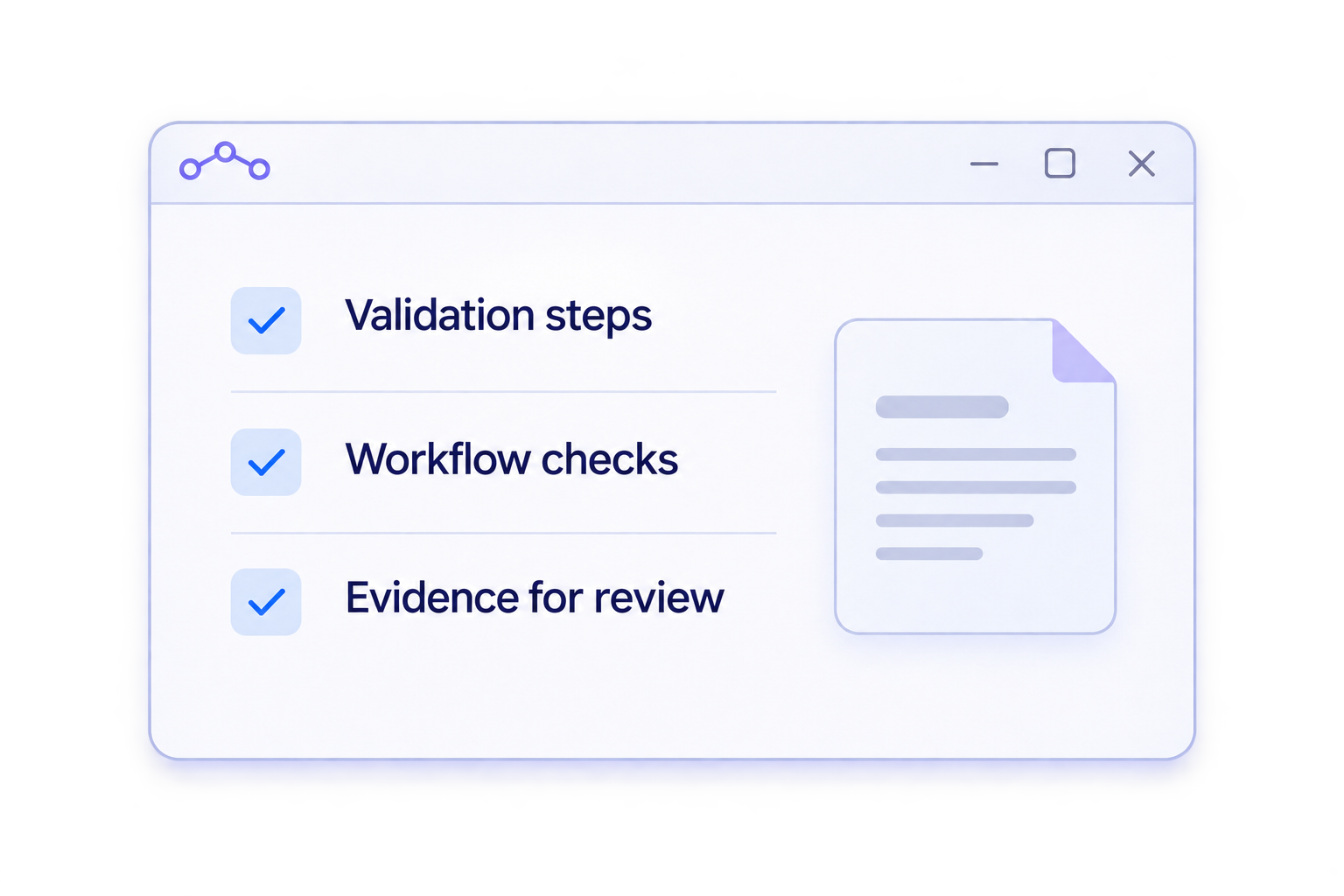
Validation window showing checks and a reviewable evidence document.

WORKSPACEDNA

Ring AIpowered by ATP360

Workflow validation and evidence

Your team controls rollout decisions.

  1. 01

    Define

    Choose the change and success criteria.

  2. 02

    Execute

    Run checks in the configured environment.

  3. 03

    Review

    Inspect results and evidence.

  4. 04

    Decide

    Approve, investigate, or hold.

02 / WHAT YOU CAN VALIDATE

Test the work. See the impact of change.

Find failures earlier by checking how supported applications behave together in a representative environment.
Applications

Check installs, launches, and key user tasks—including supported legacy and UI-based applications that APIs alone cannot reach.
The question it answersDoes the application still work?

Builds & policies

Check how Windows builds, desktop images, updates, and policy changes affect application access and behavior.
The question it answersWhat changed for the user?

Business workflows

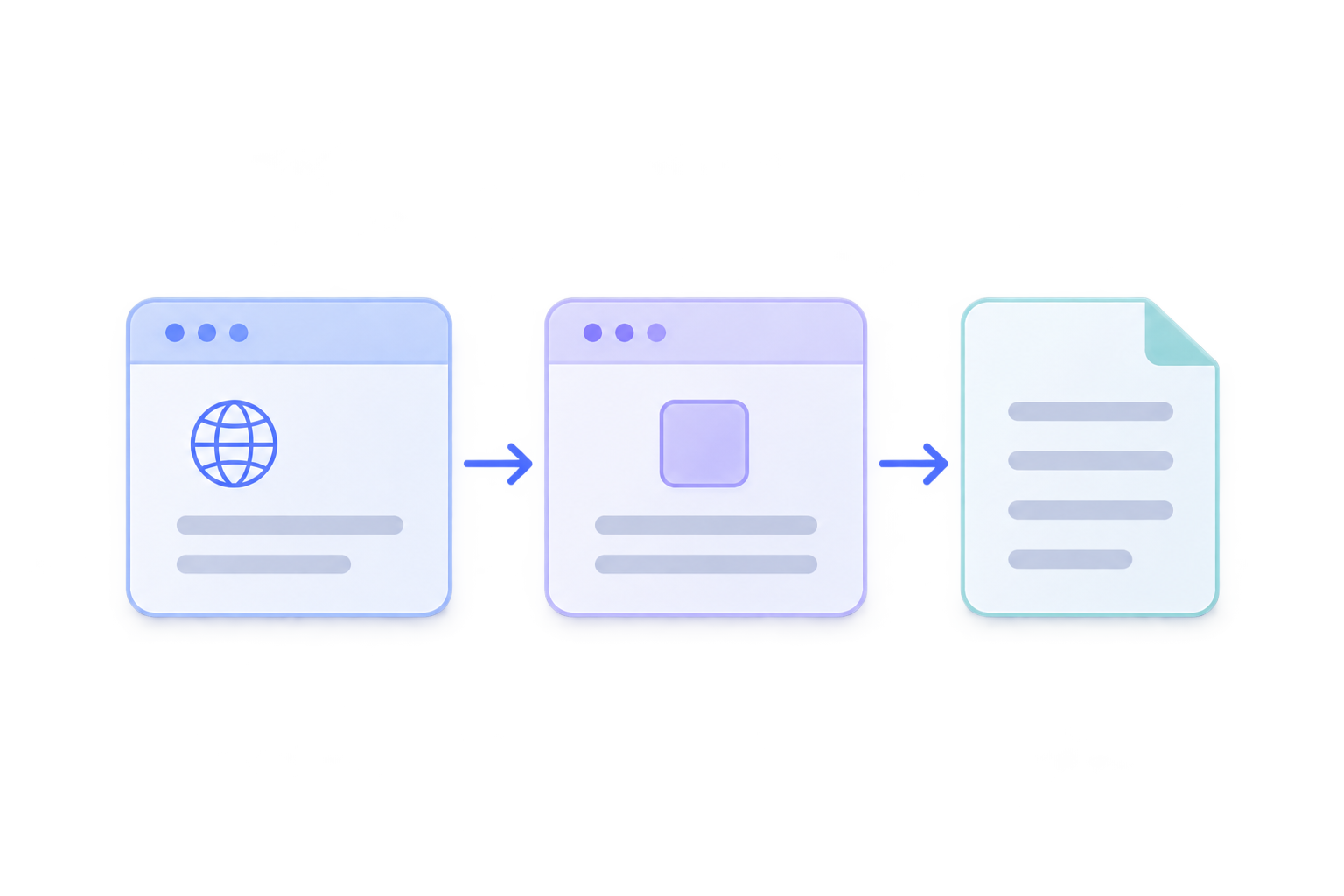
Exercise supported tasks across applications, including the handoffs between desktop apps, browsers, and documents.

The question it answersCan the whole task still finish?

03 / SEE A REAL-WORLD USE CASE

One claim. Several applications. See the whole workflow tested.

Follow a claims workflow from email and documents to a legacy application. See how ATP360 and Windows 365 for Agents bring execution, evidence, and control together.

FROM TASK TO TRUSTED DECISION

ATP360 provides the evidence. You make the rollout decision.

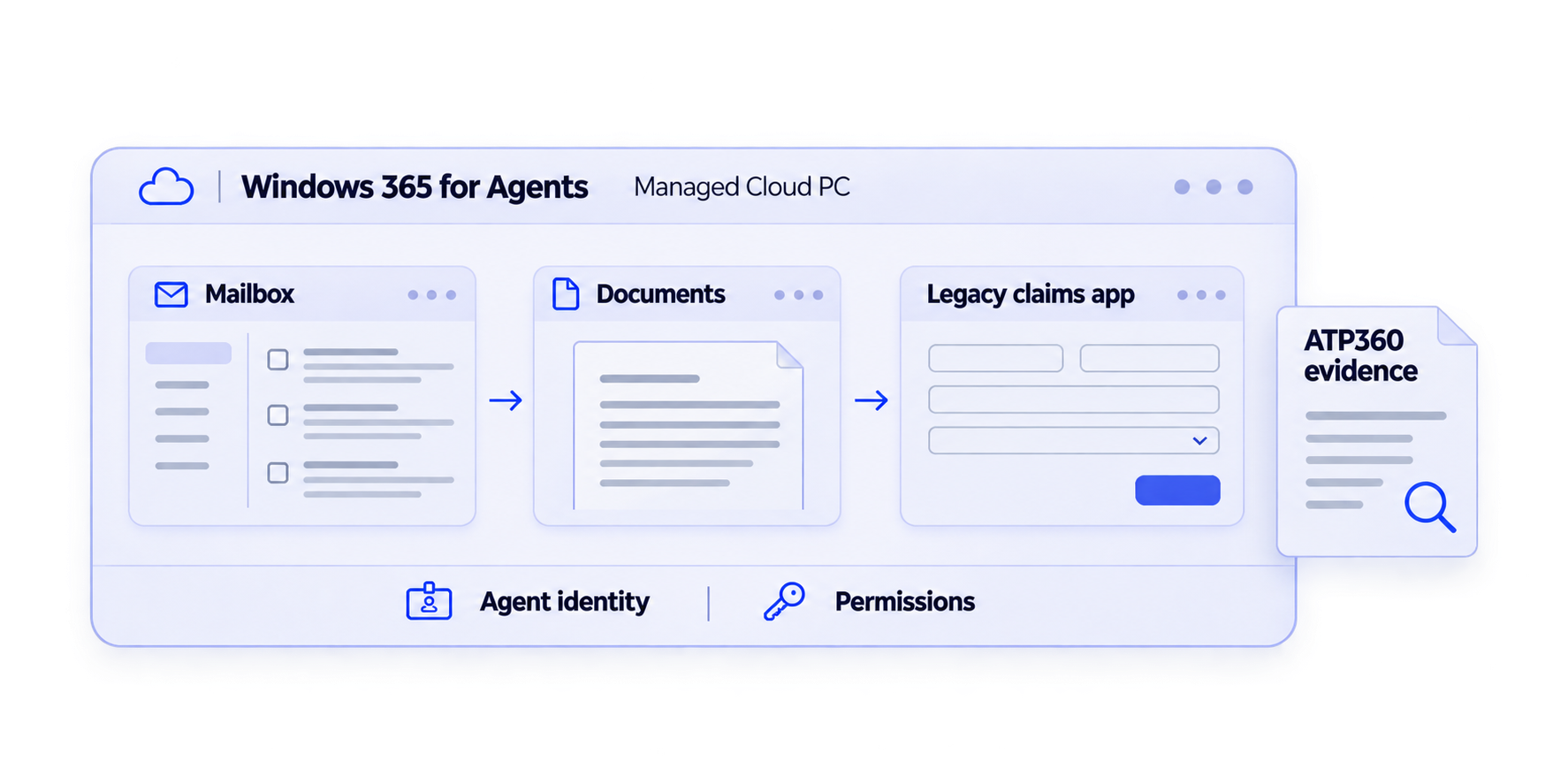
Mailbox, documents and a legacy claims application run in a managed Cloud PC, with identity and permission controls and ATP360 evidence.
  1. Follow the work

    Move between the mailbox, documents, and a legacy claims application.

  2. Run with controls

    See the role of agent identity, permissions, and a managed Cloud PC.

  3. Review before rollout

    Inspect what happened and keep the final decision with your team.

04 / SEE IT DEMONSTRATED

Bring a workflow. Leave with a clearer path to validation.

See Ring AI’s validation approach and discuss a pilot for your applications and environment.

  • Your workflow
  • Evidence review
  • Pilot fit
  • Walk through a representative validation scenario.
  • Inspect the evidence and human review process.
  • Discuss prerequisites, coverage, and pilot fit.

Book a demo

Tell us what you need to validate.

BEFORE WE TALK

Five questions. Clear answers.

How do Ring AI, ATP360, and Windows 365 for Agents fit together?

Ring AI is the WorkspaceDNA solution presented here. ATP360 is the underlying validation technology. Windows 365 for Agents is Microsoft’s managed Cloud PC execution environment. Your team defines success, reviews the evidence, and controls rollout decisions. Ring AI is not a Microsoft product.

Which applications and workflows can we test?

Supported Windows desktop, browser, legacy, and UI-based applications can be assessed, including tasks across multiple applications. Coverage depends on app behavior, dependencies, permissions, and defined success criteria. Bring a representative workflow to discuss support and pilot scope; universal coverage is not promised.

What Microsoft services do we need?

Plan for access to Windows 365 for Agents and the licensing, identity, management, networking, and application permissions required by your configuration. Confirm availability and supported Entra, Intune, and Agent 365 controls during scoping. Adopting Windows 365 for Agents Cloud PCs does not require moving every employee onto Windows 365.

Where does testing stop, and who approves rollout?

Agree a test boundary, production conditions, test data, permissions, and success criteria before execution. Cloud PCs can be configured to represent the relevant application stack, identity and access controls, Intune policies, configuration, dependencies, and user personas. ATP360 executes the workflows and produces evidence against the agreed success criteria. Your organization decides whether to approve, hold, or investigate the change before broader rollout.

How is this different from Ring Zero?

Ring Zero describes a validation ring before an employee pilot, commonly used to check application patches in a representative test environment. Ring AI applies ATP360’s agent-based validation approach to supported applications, builds, policies, and workflows on Windows 365 for Agents. These names describe a deployment approach, a solution, and its technology—not three successive product versions.